How to Create a Professional Banner That Sells for You
Your LinkedIn banner is the digital billboard for your personal brand. It's the first thing visitors see when they land on your profile, and it's your single biggest opportunity to make a powerful first impression. A generic stock photo or a blurry, uninspired image is a massive missed opportunity. A great banner, on the other hand, can instantly communicate your value, build credibility, and turn a passive profile visitor into an engaged lead.
This guide provides a clear, actionable framework for creating a professional banner that doesn't just look good—it actively sells for you, 24/7.
1. The Mindset Shift: Your Banner is a Billboard, Not a Decoration
The most common mistake professionals make is treating their banner as a decorative afterthought. Your banner should not be a pretty picture; it should be a strategic marketing asset. Its job is to answer three critical questions for any visitor in under three seconds:
- Who are you?
- Who do you help?
- What problem do you solve?
When you think of your banner as a billboard, you start to make strategic choices about its content. Every element should have a purpose.
2. The Anatomy of a High-Converting Banner
A professional banner that sells for you includes several key components. You don't need all of them, but a good banner will have a mix of the following:
1. A High-Quality Background Image
This sets the tone. It should be professional and relevant to your brand. Avoid low-resolution images. A clean, abstract background that incorporates your brand colors is often better than a busy stock photo.
2. Your Name and Title/Role
This should be clear and easy to read. It reinforces your identity.
3. A Compelling Value Proposition (Your One-Liner)
This is the most important part. It's a concise statement that explains the value you provide. Use the "I help X do Y" formula.
- Example: "I help B2B SaaS founders build a predictable sales pipeline."
4. Social Proof
This builds instant credibility. It can include:
- Logos of well-known companies you've worked with ("As seen on," "Trusted by").
- A short testimonial from a happy client.
- The logo of a major publication you've been featured in.
5. A Professional Headshot
While your main profile picture is a headshot, including a different, high-quality photo of yourself in the banner can add a personal touch and make you more memorable.
6. A Clear Call-to-Action (CTA) (Optional but powerful)
Tell visitors what you want them to do next.
- Example: "Visit my website: yourwebsite.com" or "Subscribe to my newsletter."
3. Design Principles for a Banner That Works
You don't need to be a graphic designer to create a great banner. Just follow these simple design principles.
- Visual Hierarchy: The most important information (like your value proposition) should be the most prominent. Use size, color, and placement to guide the viewer's eye.
- Clarity and Simplicity: Less is more. A cluttered banner is an unreadable banner. Focus on one or two key messages.
- Brand Consistency: Use your brand's colors and fonts. Your banner should feel consistent with your website and other marketing materials.
- Mind the Profile Picture: Remember that your profile picture will cover the bottom-left portion of your banner. Don't place any critical information there.
- Use High-Contrast Text: Ensure your text is easily readable against the background. A dark text on a light background or vice versa is a safe bet.
4. From a Great Banner to a Real Conversation
A powerful banner will dramatically increase the number of qualified prospects who view your profile. But a profile view is just the beginning. The real goal is to turn that passive interest into an active conversation.
This is where most people miss the opportunity. They have a great banner that attracts visitors, but they have no system for engaging those visitors.
This is where a smart automation tool becomes a critical part of your sales process. While you focus on building your brand with a great profile, a tool can work in the background to turn that new attention into a pipeline of warm leads.
How Bindago Converts Your Banner's Traffic into Leads
A tool like Bindago can systematize your engagement with the people who are drawn in by your professional banner.
Here’s how you can create a simple but powerful system:
-
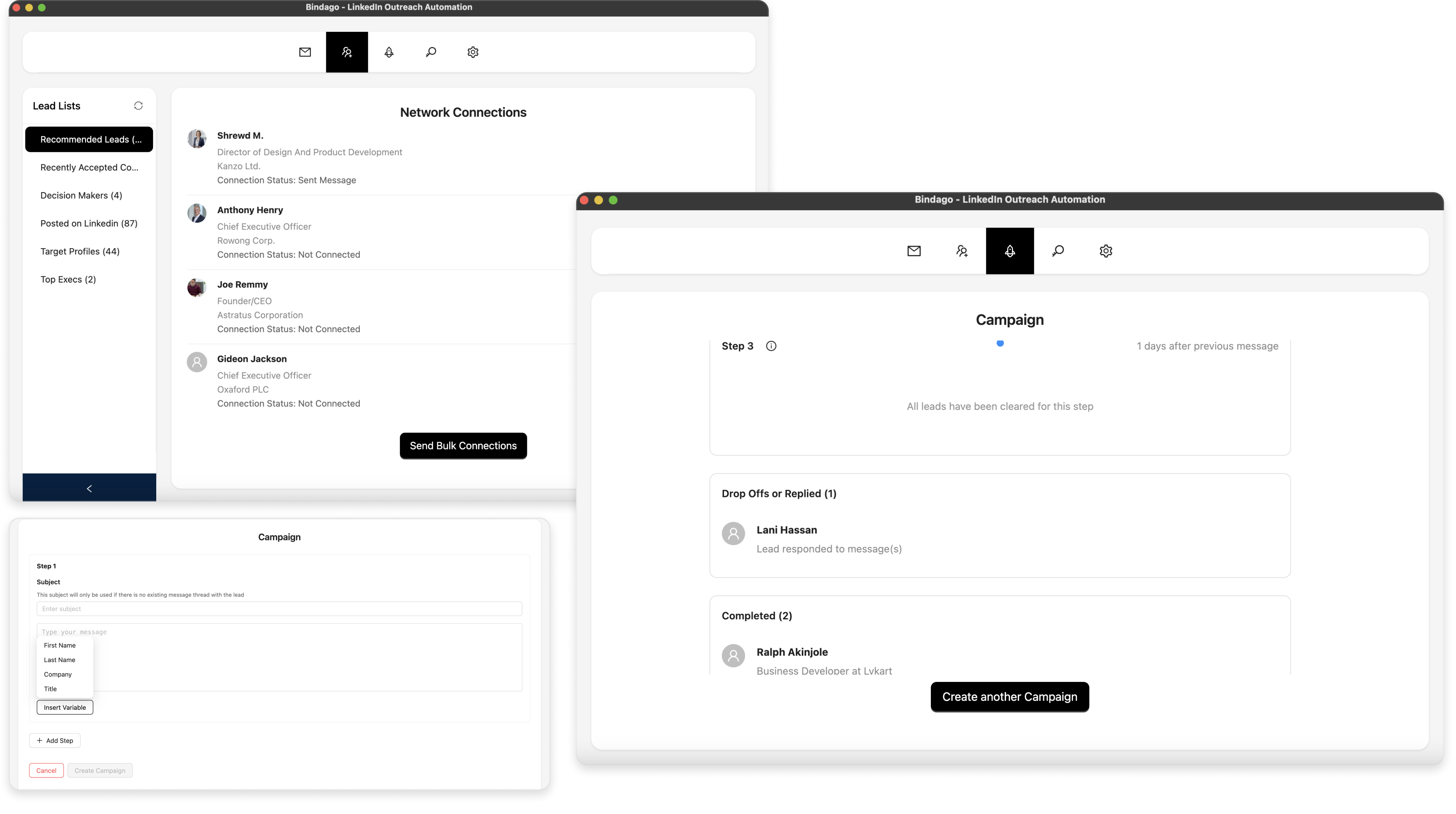
Proactively Generate Profile Views: Don't just wait for people to find you. Use Bindago's Campaigns feature to create a "warm-up" sequence that automatically views the profiles of your ideal prospects. A high percentage of them will be curious and view your profile in return, where they will be greeted by your powerful banner.
-
Engage Your Profile Viewers: For those who view your profile, you have a list of warm leads. You can launch a targeted Bindago campaign to send a personalized connection request and a sequence of value-driven follow-up messages.
- Template: "Hi {{firstName}}, thanks for visiting my profile. I see you're also in the [Industry] space, and it looks like we share an interest in [Topic]. Would love to connect."
By using Bindago to automate this workflow, you create a predictable system that drives traffic to your banner and converts that traffic into conversations. And because it's a desktop application, your LinkedIn credentials remain securely on your computer.
Conclusion
Your LinkedIn banner is your first, best chance to tell a prospect who you are and why they should care. By moving beyond a simple decoration and treating it as a strategic billboard, you can build authority, attract your ideal customers, and create a steady stream of inbound interest.
Combine a high-converting banner with a systematic approach to engaging your new profile visitors, and you'll have a powerful, predictable engine for generating leads and growing your business.
Ready to turn your LinkedIn profile into a lead-generating machine? Download Bindago today and start your 10-day free trial.