Comparing LinkedRadar vs Octopus CRM (Pros and Cons)
When it comes to LinkedIn automation, LinkedRadar and Octopus CRM are two popular choices that represent different approaches to solving the same problem. LinkedRadar is a modern, cloud-based platform that offers AI-powered features, while Octopus CRM is one of the most well-known and affordable Chrome extensions for basic automation.
Choosing between a cloud-based tool and a browser extension involves trade-offs in security, functionality, and convenience. This in-depth comparison will break down LinkedRadar vs. Octopus CRM across features, pricing, security, and pros and cons to help you make an informed decision. We'll also introduce a secure, affordable desktop-based alternative, Bindago, for those who want a balance of power and security.
Feature Comparison
The core difference lies in their architecture. LinkedRadar offers the "always-on" convenience of a cloud platform with more advanced features, while Octopus CRM provides simple, browser-based automation.
| Feature | LinkedRadar | Octopus CRM |
|---|---|---|
| Platform | Cloud-Based | Chrome Extension |
| Core Focus | AI-Powered Outreach (LinkedIn + Email) | Basic LinkedIn Automation & Funnel Building |
| Message Sequences | ✅ Yes (Smart sequences) | ✅ Yes (Simple funnels) |
| Email Outreach | ✅ Yes (Integrated) | ❌ No |
| AI-Powered Features | ✅ Yes (AI personalization) | ❌ No |
| CRM Integration | ✅ Yes | ✅ Yes (via Zapier, HubSpot) |
| Security Model | Cloud-based (requires credential sharing) | Browser-based (runs in your browser) |
Pricing Comparison
LinkedRadar offers a single, feature-rich plan, while Octopus CRM provides a tiered approach, making its entry-level plan one of the most affordable on the market.
| Aspect | LinkedRadar | Octopus CRM |
|---|---|---|
| Model | Per-Seat Monthly | Tiered Monthly (per user) |
| Starting Price | $19.90 / month | $9.99 / month |
| Free Trial | ✅ Yes (7 days) | ✅ Yes (7 days, no CC required) |
Pros & Cons
LinkedRadar
-
Pros:
- AI-powered personalization helps create more tailored messages at scale.
- As a cloud-based tool, it can run campaigns 24/7 without needing your computer to be on.
- Offers integrated email outreach for multi-channel campaigns.
- Includes A/B testing and comprehensive analytics to optimize campaigns.
-
Cons:
- As a cloud-based tool, it requires you to share your LinkedIn credentials, which is a significant security risk for many users.
- Can be more complex to set up than a simple browser extension.
Octopus CRM
-
Pros:
- Very affordable starting price, making it accessible for individuals and small businesses.
- Simple and intuitive interface that is easy for beginners to learn.
- Runs directly in your browser, which some users prefer over cloud platforms.
-
Cons:
- Limited feature set; no advanced sequences, AI, or email outreach.
- Requires your browser to be open and running for the automation to work.
- Being a browser extension can be less stable and poses a security risk by having access to your browser data.
- Lacks a dedicated feature for bulk withdrawing pending invitations, which is important for account health.
A More Secure and Affordable Alternative: Bindago
For users who find Octopus CRM too basic but are concerned about the security risks and higher cost of cloud-based platforms like LinkedRadar, Bindago offers a compelling alternative that combines power, security, and affordability.
- Website: https://bindago.com/
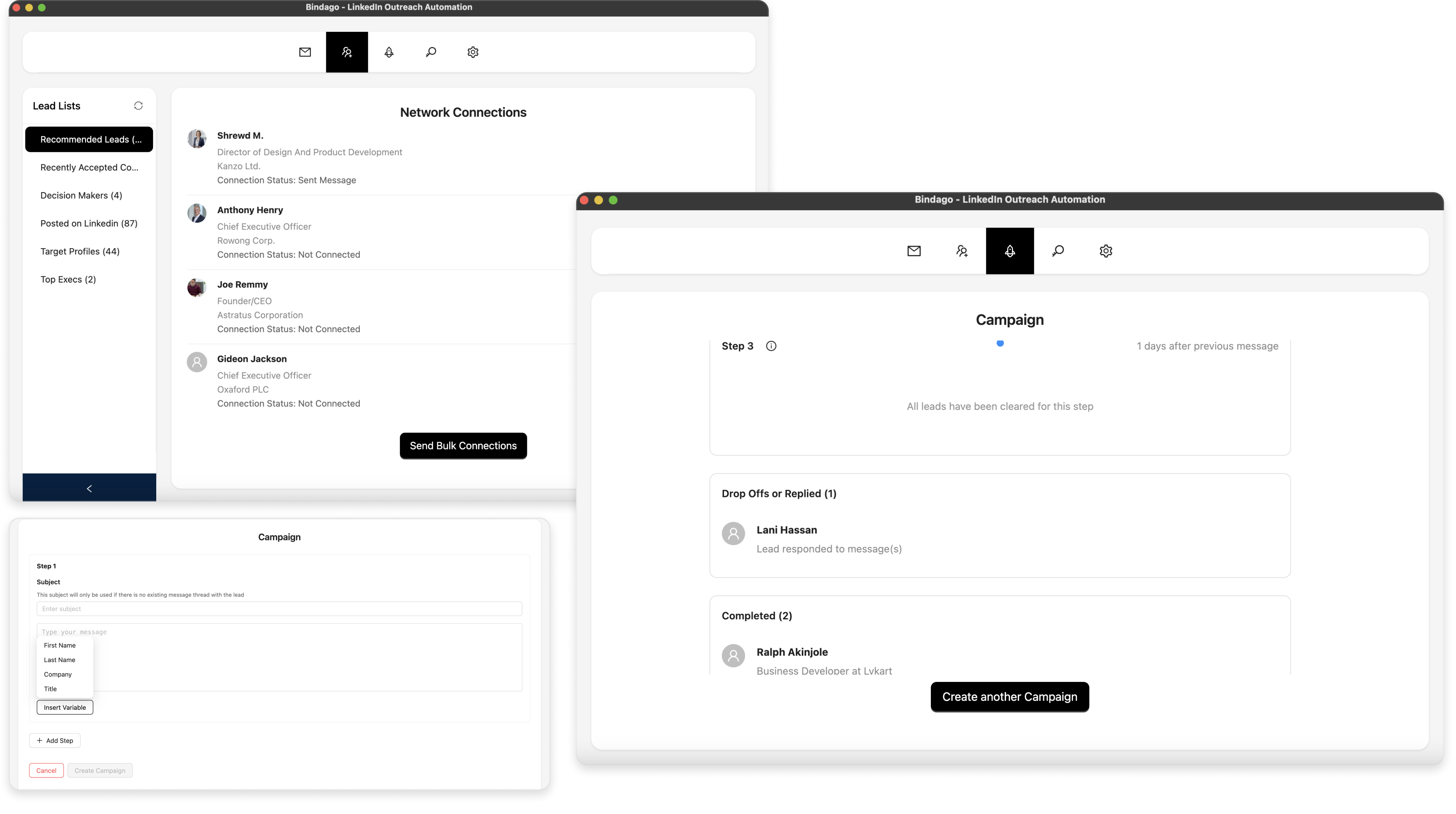
- What it does: A comprehensive desktop application for LinkedIn automation that covers all the core outreach needs: bulk connection requests, mass InMail campaigns, multi-step message sequences, and CSV exports.
- Pricing: $9.99/month (flat rate for all features)
Why Bindago is a Strong Alternative:
- Superior Security: As a desktop application, Bindago runs locally on your computer. This means your sensitive LinkedIn credentials are never shared with a third-party server, eliminating the primary security risk associated with cloud-based tools.
- Unbeatable Value: At just $9.99/month, Bindago matches the entry-level price of Octopus CRM but offers a more robust feature set, including multi-step sequences and mass InMail campaigns. It's significantly cheaper than LinkedRadar while providing similar outreach power.
- Simplicity and Power: Bindago provides a full suite of powerful outreach tools in an intuitive, easy-to-use interface. You can set up and launch a sophisticated campaign in minutes without a steep learning curve.
- Complete Outreach Toolkit: It includes practical features that many competitors lack, like a bulk invitation withdrawal tool and the ability to export leads to CSV, providing an all-in-one solution for your LinkedIn prospecting workflow.
Conclusion: Which Tool is Right for You?
The choice between LinkedRadar, Octopus CRM, and an alternative like Bindago comes down to your priorities:
- Choose LinkedRadar if: You need integrated email outreach and want AI-powered features, and you are comfortable with the security risks of a cloud-based platform.
- Choose Octopus CRM if: You are a beginner with a very small budget and only need to automate the most basic LinkedIn tasks from your browser.
- Choose Bindago if: You prioritize account security, affordability, and a comprehensive set of outreach features. It's the ideal choice for solo entrepreneurs, small businesses, and sales professionals who want a robust, reliable tool without the high monthly cost and security risks of cloud platforms.
For most users, the feature limitations of Octopus CRM and the security trade-offs of LinkedRadar make Bindago the most logical and valuable choice, offering a professional-grade feature set and unmatched security at an unbeatable price.
Frequently Asked Questions
Q: Are desktop apps safer than cloud-based tools and browser extensions? A: Generally, yes. Desktop applications like Bindago run on your computer, so your LinkedIn login credentials are not stored on a third-party server or exposed to the browser, reducing the risk of data breaches.
Q: Can I get banned for using these tools? A: All automation tools carry some risk as they are against LinkedIn's Terms of Service. However, tools that simulate human behavior with smart delays and have built-in safety limits (like Bindago) significantly reduce this risk.
Q: Do I need Sales Navigator to use these tools? A: While not strictly required, Sales Navigator is highly recommended. It provides much better search filters and higher commercial use limits, which allows you to find more qualified leads and get the most out of any automation tool.