How to Turn a Like Into a Business Relationship
On LinkedIn, a "like" is the most common form of engagement, but most professionals treat it as a fleeting, low-value interaction. They see the notification, feel a brief sense of validation, and move on. This is a massive missed opportunity. A like is not just a passive acknowledgment; it's a signal. It's a prospect raising their hand, however slightly, to say, "I'm paying attention."
That single click is the digital equivalent of a nod of agreement in a crowded room. It's an invitation to start a conversation, but only if you know how to approach it. This guide will provide you with a clear, actionable framework for turning a simple LinkedIn like into a genuine business relationship, helping you build a pipeline from the engagement you're already getting.
1. The Psychology of a "Like": Why It's More Than Just a Click
Before you can act on a like, you need to understand what it signifies. A like is a low-friction way for a prospect to show:
- Agreement: They agree with the point you've made in your post.
- Interest: The topic you're discussing is relevant to them and their challenges.
- Awareness: They are part of your professional orbit and are paying attention to what you say.
A like is a micro-commitment. It's a small investment of their attention that you can leverage to build a bigger connection. The key is to treat it not as the end of an interaction, but as the beginning of one.
2. The Framework: From Like to Conversation
So, a prospect who fits your Ideal Customer Profile (ICP) has just liked your post about a problem your solution solves. What do you do next? Here is a step-by-step process that builds trust and avoids the dreaded "pushy salesperson" label.
Step 1: Don't Pitch Immediately
This is the golden rule. The absolute worst thing you can do is immediately slide into their DMs with a sales pitch. This is the digital equivalent of ambushing someone who smiled at you. It's aggressive, self-serving, and it breaks the fragile trust you've started to build.
Step 2: Analyze the "Liker" (The 60-Second Qualification)
Before you do anything, take a minute to review their profile.
- Do they fit your ICP? (Job title, company, industry)
- What is their role? Are they a decision-maker, an influencer, or an end-user?
- What have they posted or commented on recently? This gives you more context about their current priorities.
If they are a good fit, proceed to the next step. If not, a simple "thank you" for the like is enough.
Step 3: The Warm-Up (Optional but Recommended)
If you're not already connected, a great next step is to simply view their profile. This sends a notification and makes your name appear a second time, reinforcing familiarity.
Step 4: The Contextual Connection Request
Now it's time to connect. Your connection request should be personalized and reference the context of their engagement.
- Template:
"Hi {{firstName}}, thanks for liking my recent post on [Topic]. I'm glad it resonated with you. Since you're clearly interested in this area, I thought it would be great to connect and share insights."
This message works because it's relevant, appreciative, and non-threatening.
Step 5: The Value-Driven Follow-Up (After They Connect)
Once they accept your connection request, your first message should continue to provide value, not ask for a meeting.
- Template:
"Thanks for connecting, {{firstName}}! As you're interested in [Topic of the post], I thought you might find this in-depth guide we wrote on the subject useful. [Link to a high-value resource like a blog post, case study, or webinar]. Hope it's helpful!"
This positions you as a generous expert and builds on the trust you've established. Only after this value exchange should you consider pivoting to a sales conversation.
3. How to Scale This Process Without Losing the Personal Touch
This strategy is highly effective, but manually tracking every person who likes your posts and sending them a personalized sequence of messages is not a scalable solution. To turn this into a predictable lead generation system, you need to automate the process.
This is where a powerful and secure automation tool like Bindago becomes your secret weapon. Bindago is a desktop application that allows you to automate your LinkedIn outreach safely and efficiently.
Here’s how you can use Bindago to turn likes into leads on autopilot:
- Create a List of "Likers": After you publish a post, you can gather the profile URLs of the people who liked it and fit your ICP.
- Launch a "Like Follow-Up" Campaign: In Bindago's Campaigns feature, you can create a multi-step sequence specifically for this list.
- Step 1: Automatically send your personalized, contextual Connection Request using the template from above.
- Step 2 (3 days after connecting): Automatically send your value-driven Follow-Up Message with a link to your resource.
- Step 3 (7 days later): Automatically send a second follow-up message that opens the door to a sales conversation.
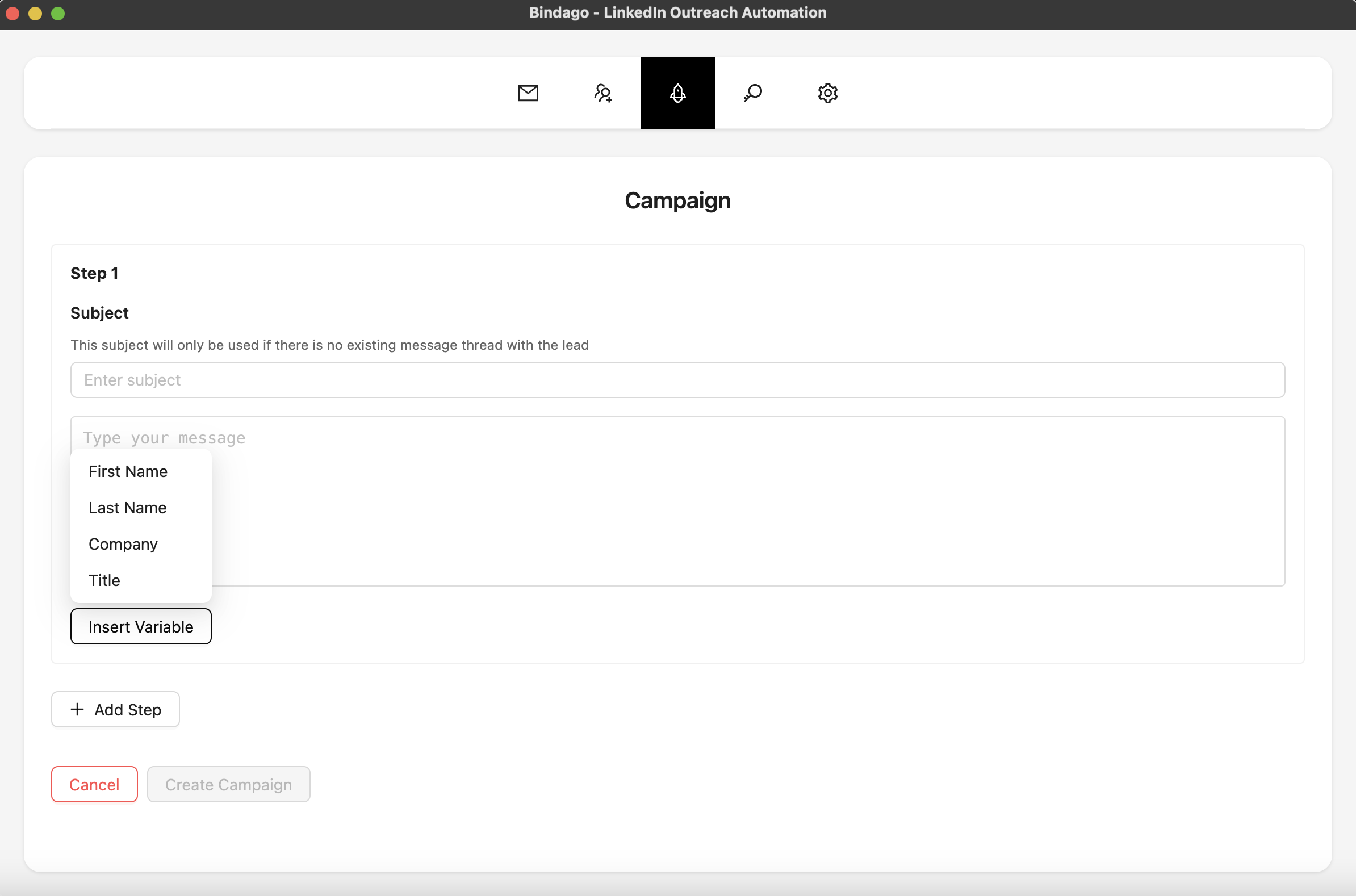
By using Bindago to systematize your follow-up, you can ensure that every valuable engagement is acted upon. It allows you to focus on creating great content, while the system works in the background to turn that engagement into a pipeline of warm conversations. And because it's a desktop app, your LinkedIn credentials remain securely on your computer.
Conclusion: Every Like is a Lead
Stop treating likes as a vanity metric. Every like on your content is a lead waiting to be nurtured. By following a patient, value-driven approach, you can turn these simple signals of interest into meaningful business relationships.
The framework is simple:
- Acknowledge the engagement.
- Connect with context.
- Nurture with value.
- Systematize the process to do it at scale.
Master this, and you'll unlock a powerful, predictable source of warm leads that was hiding in plain sight all along.
Ready to turn your LinkedIn engagement into a lead generation machine? Download Bindago today and start your 10-day free trial.
